Follow along with the video below to see how to install our site as a web app on your home screen.
Note: This feature may not be available in some browsers.
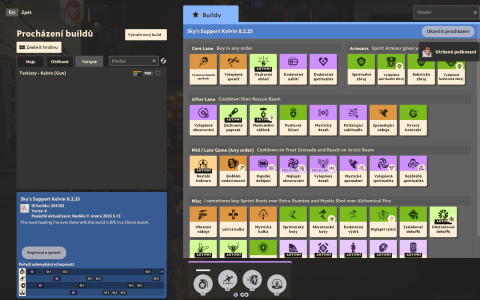
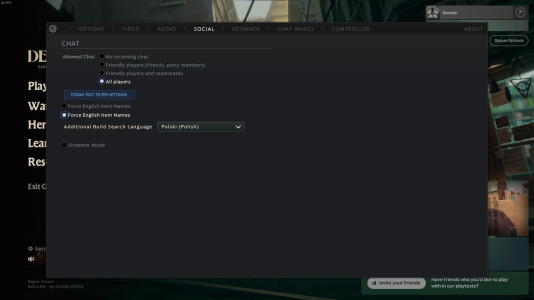
Hi, I had similar issue few months ago back when I was playing with Polish Language - After one of the updates, you were able to see only builds in your game language and additional language. If you're playing with Czech Language and want to see more builds (e.g. English language builds), you can set additional language to english in Settings -> Social, like shown on the screen below:When I try to browse public builds while playing with Czech language, there aren't any public builds shown, just an empty list with 1 item. Refreshing doesn't help, searching doesn't work.
View attachment 36144

Thanks a lot!Hi, I had similar issue few months ago back when I was playing with Polish Language - After one of the updates, you were able to see only builds in your game language and additional language. If you're playing with Czech Language and want to see more builds (e.g. English language builds), you can set additional language to english in Settings -> Social, like shown on the screen below:View attachment 40448
P.S. Greetings from Poland!