[UPDATE IN COMMENTS] Big frame drops / freeze in game

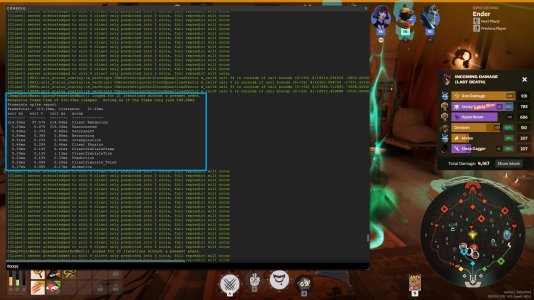
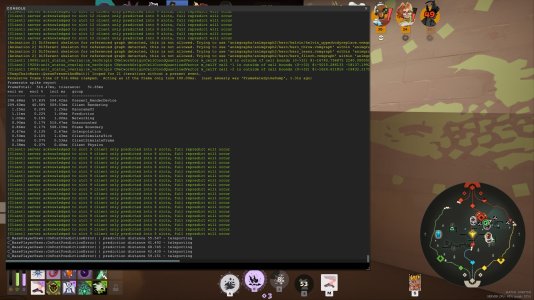
Once in 3 or 4 games, I get intense freeze every 10 seconds, I checked the console and everytime there was a freeze these lines showed up (multiples times!)
If necessary the match ID is in the screenshot.
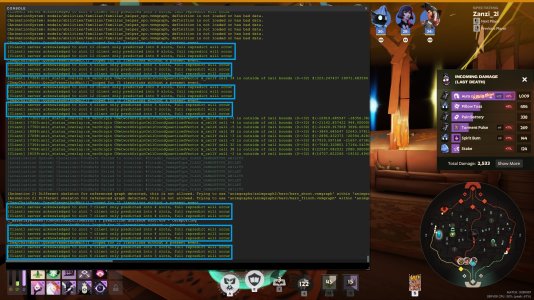
20260127225102_1.jpg
My config :

AMD Ryzen 5 5600X
RTX 4060 Ti
2x8go of RAM
Game installed on a HDD (7200 RPM)
Windows 10 | 64 bits

Here are my settings (I'm running the game in 1080p, with a 165hz monitor, G-SYNC on)
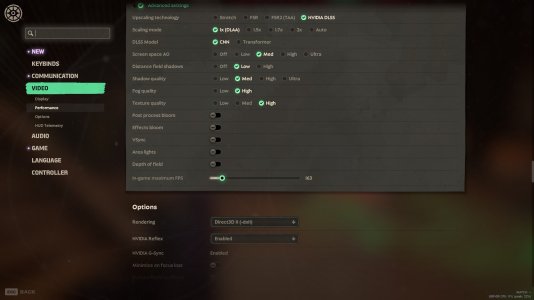
20260127230503_1.jpg
If needed I can send more info.

Thanks and have a nice day!
 
i had a similar issue, i had to restart my game to fix the freeze, but it would just come back within the next 5 minutes. I wasnt able to check console to see if its the same. its the worst, cost me a few games and I deranked
 
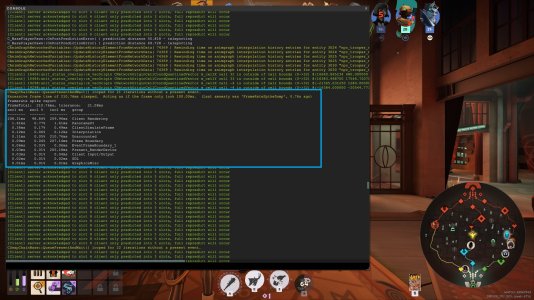
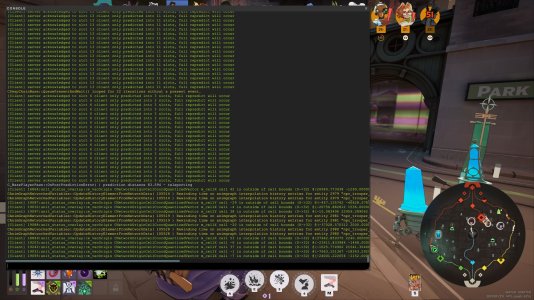
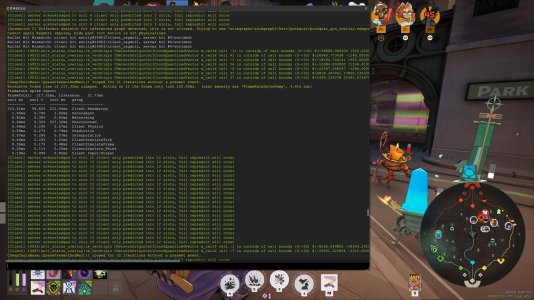
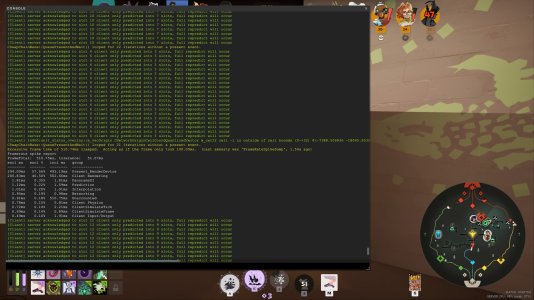
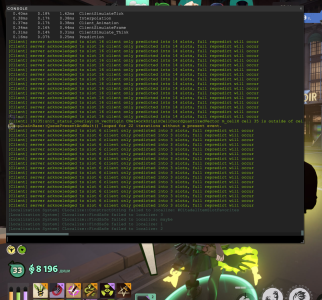
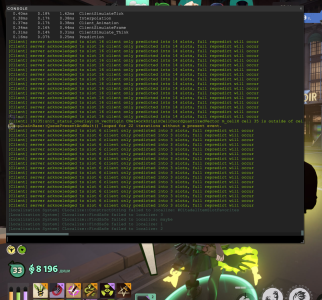
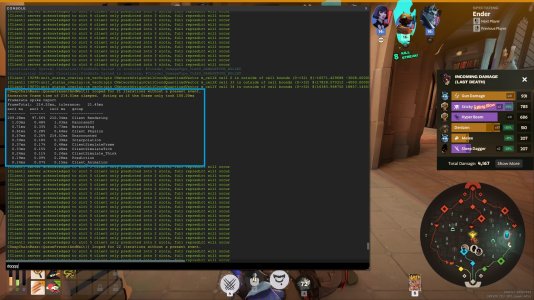
This is still happening as of 02/02/2026, here is some more screenshots of the console menu when it is happening (most of the time the freeze wave begins during a big fight with a lots of effect then it degenerate to the point where you need to restart your game because it freezes every 5 second)


20260202225002_1.jpg20260202225008_1.jpg20260202225213_1.jpg20260202225215_1.jpg
 
Update : i got some new infos on this bug.

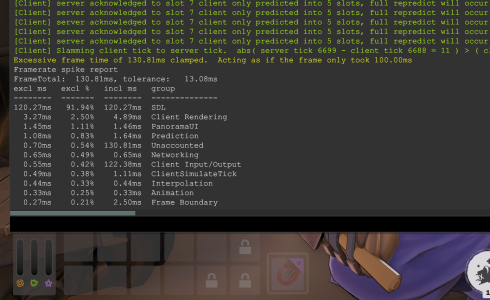
First, it seems to happens more frequently, it happens almost every game now, but when I opened the console to check, something called "Frametime spike report" showed up, here it is :

View attachment 79139View attachment 79140
View attachment 79141

I also got a little recording showing frame spikes and what happens on screen :

View attachment 79142
This video is 100% what I'm also experiencing
9800x3d, 64g, ssd, RTX 5090 (its not a lack of hardware issue lol) - but it was def introduced in old god/new blood for me
 

Attachments

  • Screenshot 2026-02-06 175121.png
    Screenshot 2026-02-06 175121.png
    529.9 KB · Views: 14
Last edited:
I've got this very same issue since a couple of months, mine looks much worse now though. Completely unplayable.

View attachment Deadlock_02-08-2026_1-22-43-678.mp4

Hardware:
RTX 3060ti
Ryzen 3600
32GB ram
Game installed in an m.2 SSD
Windows 10

I've tried everything. Dropping all settings, changing to fullscreen, windowed, borderless, idk what's causing this and it only happens with Deadlock.

There used to be similar issues with Dota back in the day, and they used to be memory leaks which were fixed with patches; not sure if that's whats happening here but it does feel the same.
 
Last edited:
Not entirely sure if related but when a freeze happened this showed up on my console:


Framerate spike report
FrameTotal: 476.95ms, tolerance: 47.69ms
excl ms excl % incl ms group
-------- ------- -------- --------------
251.87ms 52.81% 451.21ms Present_RenderDevice
205.01ms 42.98% 459.20ms Client Rendering
4.55ms 0.95% 476.95ms Unaccounted
2.79ms 0.59% 4.69ms Prediction
2.36ms 0.49% 2.36ms PanoramaUI
1.88ms 0.39% 1.88ms Interpolation
1.62ms 0.34% 1.63ms Networking
1.41ms 0.30% 3.27ms ClientSimulateTick
1.07ms 0.22% 1.07ms Animation
0.77ms 0.16% 5.33ms Client Input/Output
0.65ms 0.14% 454.23ms Frame Boundary
 
Back
Top