If you are using Windows, you can do the following steps:
- make sure you have the most updated drivers for your graphics card and cpu
- if they are and it is still not working, delete them and do a fresh install
- make sure to set the graphics on low settings. It's not that much of a difference anyway from max settings
- enable game mode via Settings
- go to the executable launch for Deadlock --> right click --> properties --> compatibility --> run this program in compatibility mode for windows 8
- restart
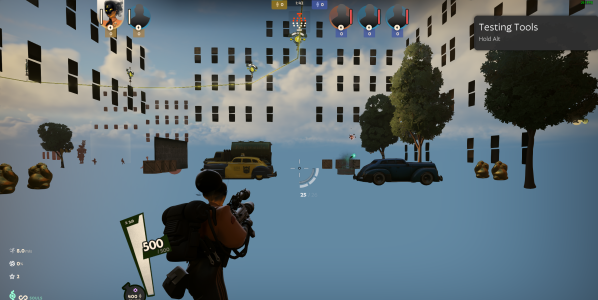
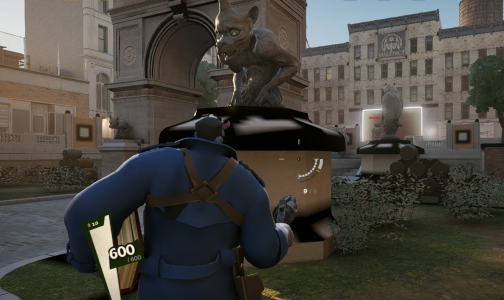
Open the game and leave it to the sandbox mode. Wait a while for the textures to be rendered correctly. If it does not work, you can deactivate the compatibility mode for Windows 8.